Understanding dxf File for Laser Cutting
What is a dxf File?
A Drawing Exchange Format (DXF) file is a vector graphic file type that allows for compatibility among different design software. Developed by Autodesk, DXF files are primarily used to facilitate data interoperability between CAD programs. A DXF file contains lines, curves, text, and other geometrical objects, translating digital designs into a format that laser cutting machines can interpret. Due to its versatility and compatibility, the DXF file has become a standard in industries where precision design is essential.
Importance of dxf File for Laser Cutting
The significance of utilizing a DXF file for laser cutting cannot be understated. First and foremost, the clarity of the file allows for precise interpretations by laser cutting machines, ensuring that designs are executed exactly as intended. The extent of detail in a DXF file makes it ideal for intricate cuts, engravings, and designs, facilitating both simple and complex projects. Additionally, using a dxf file for laser cutting streamlines workflow in design, as these files can be readily shared, modified, and reused across various machines and software.
Basic Components of dxf Files
Diving into the specifics, a DXF file is structured into various sections such as header, tables, entities, and objects. The header is essential as it establishes the file’s metadata, such as version and author. The tables section often includes data related to layers, styles, and other critical configurations. The entities section, where the bulk of the design is located, describes the geometrical shapes and lines that the laser will cut or engrave. Understanding these components helps in troubleshooting and optimizing designs, leading to efficient laser cutting outcomes.
Preparing Your dxf File for Laser Cutting
Choosing the Right Software
Crafting an effective DXF file begins with selecting the right software. Numerous CAD programs, such as AutoCAD, CorelDRAW, and Inkscape, allow users to create and export designs into DXF format. When deciding on software, consider its usability, features, compatibility with laser cutting machines, and support for various design elements like layers and text. User preferences frequently dictate choice; beginners may lean toward intuitive platforms, while advanced users may opt for comprehensive software with more capabilities.
Optimizing Your Design
To ensure your DXF file translates well into the physical cut, optimizing your design is critical. Start by simplifying complex shapes, as intricate designs may lead to extended cutting times and material wastage. Utilize layers effectively; separating cutting paths from engraving elements can streamline your project. Pay attention to line thickness; in a DXF file, thinner lines signify cuts, while thicker lines imply engravings. Additionally, making sure that all shapes are closed and that there are no overlapping lines will prevent errors during the laser cutting process.
Common Mistakes to Avoid
While preparing your DXF file, certain pitfalls are common among designers. One prevalent mistake is neglecting to check scale; always ensure your design matches the intended dimensions for the final product. Additionally, avoid using unsupported features such as gradients or complex patterns, which may not translate correctly in the DXF format. Lastly, raster images should be avoided within a DXF file as they cannot be processed by laser cutters; converting these into vector graphics is a recommended practice. Preventing these mistakes will enhance the accuracy and efficiency of your laser cutting process.
Techniques for Effective Laser Cutting
Adjusting Power and Speed Settings
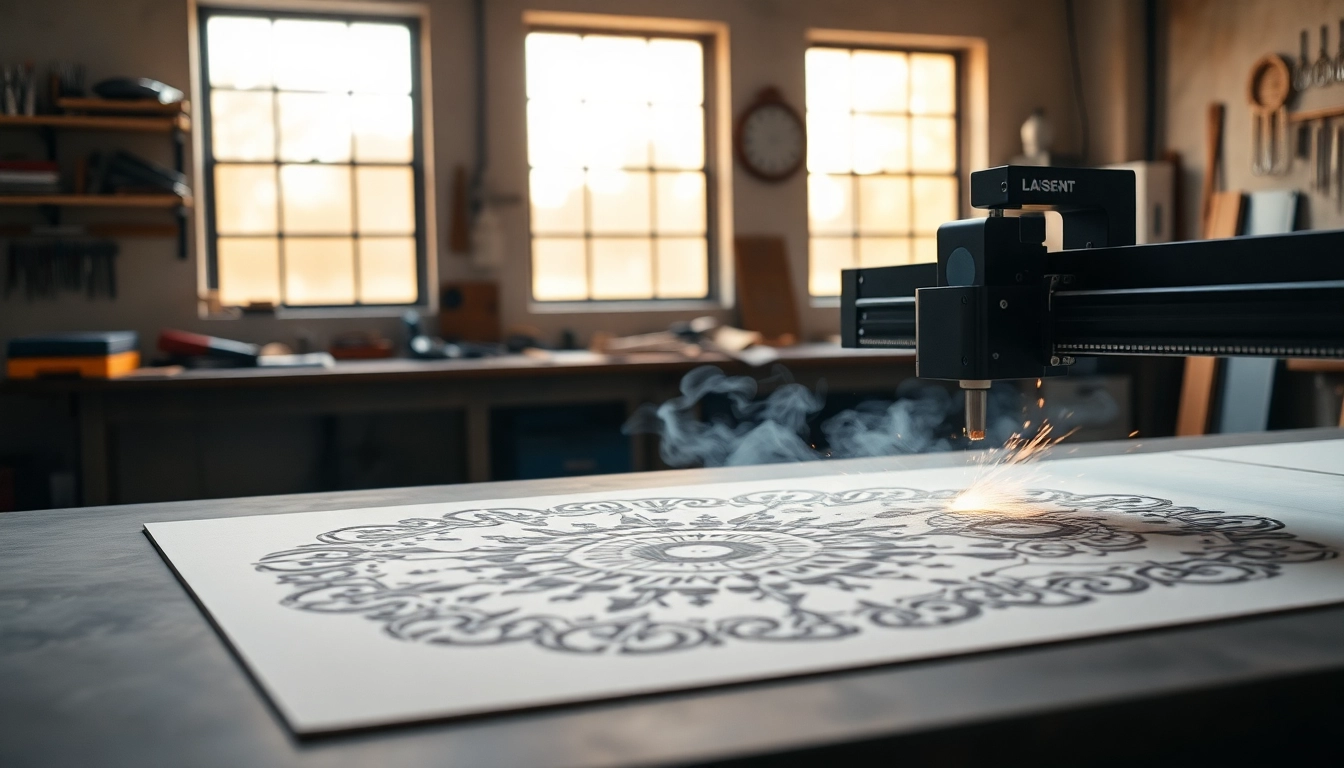
The success of a laser cutting project relies significantly on the correct power and speed settings of the laser cutter. Different materials require different settings; for instance, cutting through a thicker acrylic may necessitate a higher power setting and slower speed compared to thinner cardboard. Conducting test cuts on scrap material helps determine the optimal settings for your specific project, mitigating the risk of material damage and enhancing cut quality.
Understanding Material Types
Each material reacts distinctly to laser cutting, influencing not only the choice of settings but also design considerations. Wood, for example, may produce beautiful, charred edges when cut, making it ideal for decorative applications, while metals will require different power levels entirely. Research material properties such as thickness, type, and potential reactions to heat. This knowledge ensures successful cuts and desired final finishes.
Post-Processing Techniques
After laser cutting, several post-processing techniques can enhance the final output. Removing any burnt edges or residues through sanding can create a polished look. For materials like acrylic, flame polishing may be employed to achieve a smooth finish. Additionally, assembling the pieces may require specific techniques depending on the design complexity, ensuring a sturdy and aesthetic final product. Familiarizing oneself with these techniques adds value and quality to the crafted piece.
Applications of dxf Files in Laser Cutting
Creative Arts and Crafts
In the realm of arts and crafts, DXF files are a valuable resource. Crafters utilize these files to produce intricate designs for home decor, personalized gifts, and custom artwork. The capability to achieve precision in detailing and replicate designs easily makes the DXF format an essential tool for artisans looking to enhance their creative output.
Commercial Product Design
In commercial settings, utilizing DXF files improves efficiency in product design processes. Companies leverage laser cutting for prototyping and manufacturing, enabling the rapid creation of products such as signage, packaging, and promotional materials. The adaptability of DXF files in various manufacturing processes promotes streamlined workflows, reducing time-to-market for new products.
Prototype Development
Finally, prototype development is yet another application of DXF files, heavily favored in engineering and design. Rapid prototyping using laser cutting allows for iterations of designs to be tested quickly, providing invaluable feedback for further development. The precision of a DXF file coupled with the speed of laser cutting fosters innovation in product development, ensuring that ideas translate to tangible prototypes with efficiency and accuracy.
FAQs About dxf Files for Laser Cutting
1. What can I create with a dxf file for laser cutting?
You can create a variety of items such as intricate designs for crafts, signage, prototypes, and decorative panels. The possibilities are nearly limitless based on creativity and design.
2. Can I convert other file types to dxf?
Yes, many design programs allow conversion of formats like SVG, PDF, or AI into DXF files. This flexibility enables seamless integration into laser cutting workflows.
3. How do I know if my dxf file is ready?
Check that all lines are closed, there are no overlapping shapes, the scale is appropriate, and the design meets the requirements of the laser cutter’s software.
4. What laser cutting materials work best?
Common materials include wood, acrylic, leather, and cardboard. Each has its own cutting settings, so it’s essential to know the specifics before starting a project.
5. Are there free programs to create dxf files?
Yes, several free programs like Inkscape or LibreCAD support the creation and export of DXF files, making them accessible for budget-conscious users.